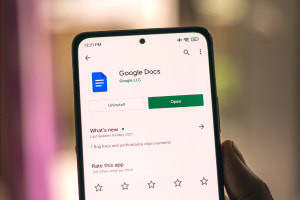
Google Docs is a free word processor that enables you to create edit and collaborate with others on school work or personal projects. You will also explore a complementary app called ‘Google Drive’. Naturally you will start with the basics. You will discover how to utilize features of the ‘start page’ and how to create a blank document show your view history display templates decide on controls based on your language preference and work offline.Next you will explore the vast number of editing options at your disposal. You will grasp how to rename undo and redo manage fonts insert links add comments utilize line spacing add check-list bulleted and numbered lists clear formatting print and use two modes called ‘suggesting’ and ‘viewing’. After that the instructor goes through the first three menus of Docs: file edit and view. The skills studied include sharing and collaborating creating/opening/copying emailing downloading renaming moving cutting copying pasting mode switching (‘editing’ ‘suggesting’ and ‘viewing’) going full-screen and more! Most importantly you will learn to create an invoice certificate and curriculum vitae (CV) by applying the skills taught in this course.Furthermore you will see how to format various elements and learn how Google Drive interacts with Docs. The course concludes with short videos that teach you specific skills referred to as ‘Quick Wins’. By the end of this course you will have acquired a skill set that will enable you to produce professional documents opening doors to many careers. And best of all this course is free! So enrol now to advance your skills in using this free online modern word processor!
Mastering Google Docs