Flexbox (flexible box) makes it easy to design and create responsive website structures without using floats or positioning. This course will teach you all about Flexbox its properties and applications in responsive website building. You will learn it practically by building an interactive webpage - simply follow the steps demonstrated in the course to replicate the page on your computer. The starter code and other materials you may need during the process will be provided..To begin you will learn how to define a flex container and then master the flex properties such as flex-direction justify-content align-items and flex-wrap. Simple examples will help you achieve this quickly. You will then be ready to start work on ‘Project Whizzbizz’ which involves creating an interactive and responsive webpage. First you will make the header section. Then you will design the main body including parts such as ‘Our Services’ ‘Meet our Team’ ‘Testimonials’ ‘Contact us’ and the footer section. You will use multiple Flexbox properties and understand their correct applications by the end of this section. As a bonus you will learn to create animated buttons with a hover effect an image gallery with a masonry layout an interactive image carousel with radio buttons and interactive carousel arrows using JavaScript. You will also get valuable tips on downloading and using SVG icons and waves and using the correct browsers and required Flexbox prefixes for your projects. Finally you will learn how to look for problems in your page's layout on different devices and make it look good on all of them.Non-responsive pages are fast becoming a thing of the past. With the increased use of smartphones tablets and other devices it is imperative that you make all of your designs look good and interactive on screens of any size or dimension. If you are a UX/UI designer working in HTML CSS JavaScript etc you will find this course invaluable. You can build your webpages and applications much faster and make them responsive too. The opportunity to create a webpage from scratch with multiple and varied interactive elements makes this course unique and easy to understand. Why wait any longer? Start learning now and master Flexbox within a few hours! And don’t forget to download the starter kit and other resources from the ‘Resources’ section of this course. Good luck!
Master the Flexbox Model for Websites

Master the Flexbox Model for Websites
Sold by:
Similar Products


Sponsored
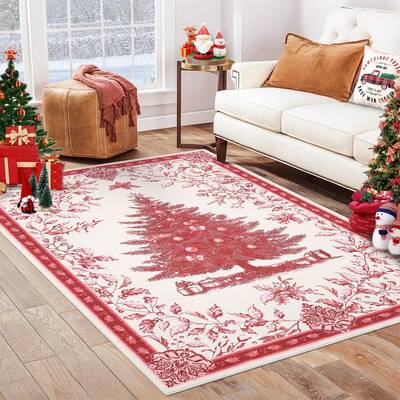
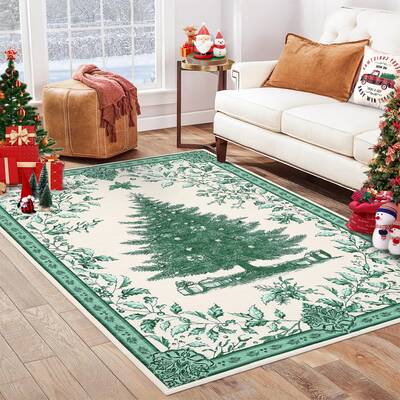
Garvee Christmas Tree Area Rug 5x7 - Soft Velvety, Non-Slip Rubber Backing, Washable, Foldable, Kid & Pet-Friendly - Holiday Bedroom & Living Room DecorPHK_35SNFGAX
$54.99Garvee Innovation Inc
Compare prices from 2 stores
Sponsored
Garvee Christmas Tree Print Area Rug 5x7 - Soft Velvety Fabric, Non-Slip TPR Backing - Washable, Foldable - Nursery, Bedroom, Living RoomPHK_35SNKYXM
$54.99Garvee Innovation Inc
Compare prices from 2 stores
Sponsored
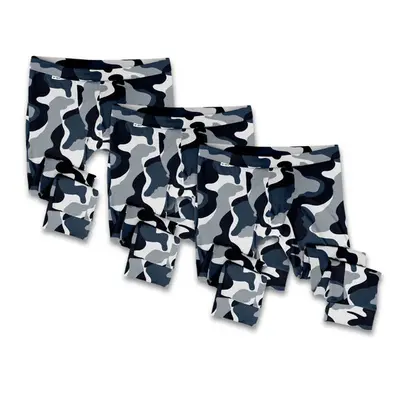
The Camo Long John Set 3-Pack | Color: Blue Camo | Size: XS | 25-28″XSx3pcsCAMOLJ
$134.91Cerqular